SkyshipsWiki

How to Build and Equip Weapons in Skyships

Last updated:

Build a weapon from a blueprint, then fit it to a compatible mount on your ship. If you already have a weapon ready, skip to selecting a mount.

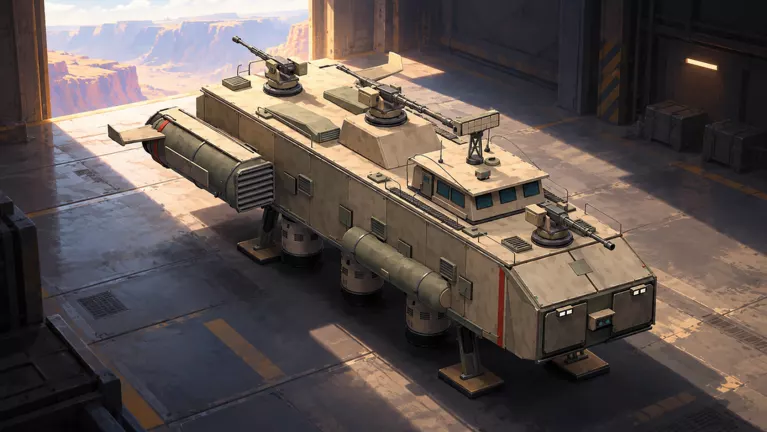
Skyships official artwork
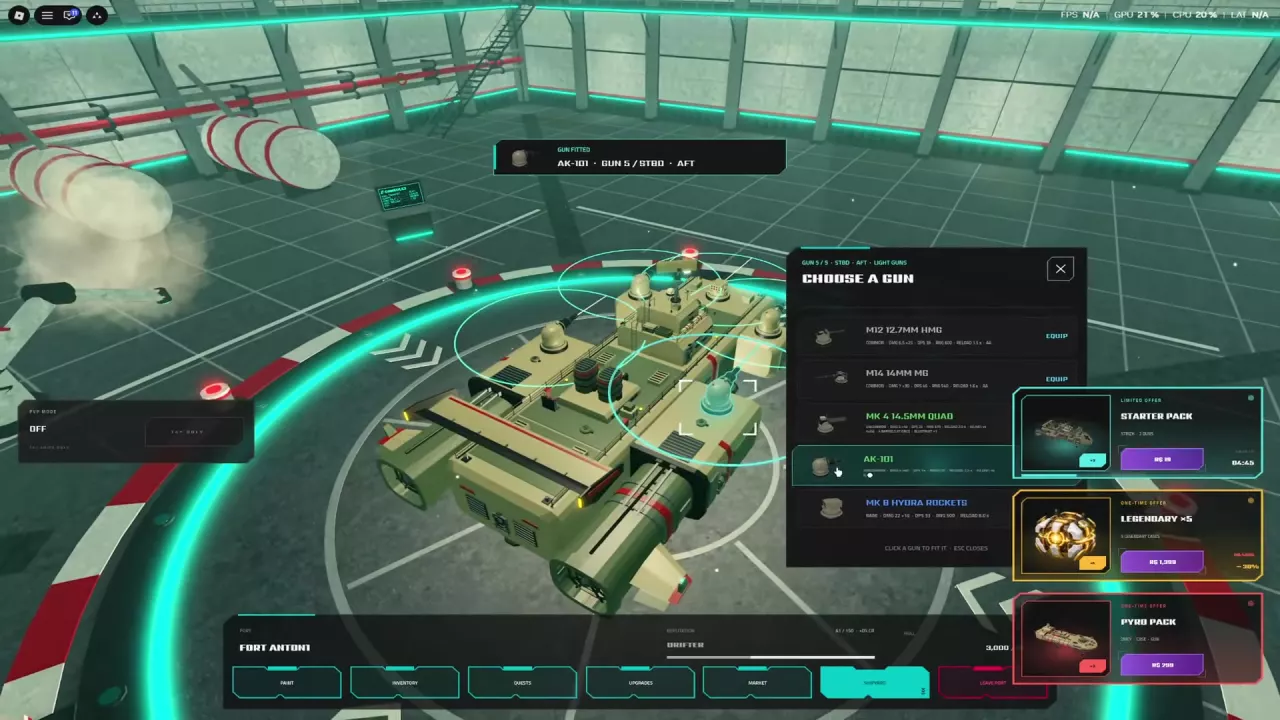
A light-gun mount menu and Gun Fitted confirmation for an AK-101

Get a Blueprint or Weapon Unlock

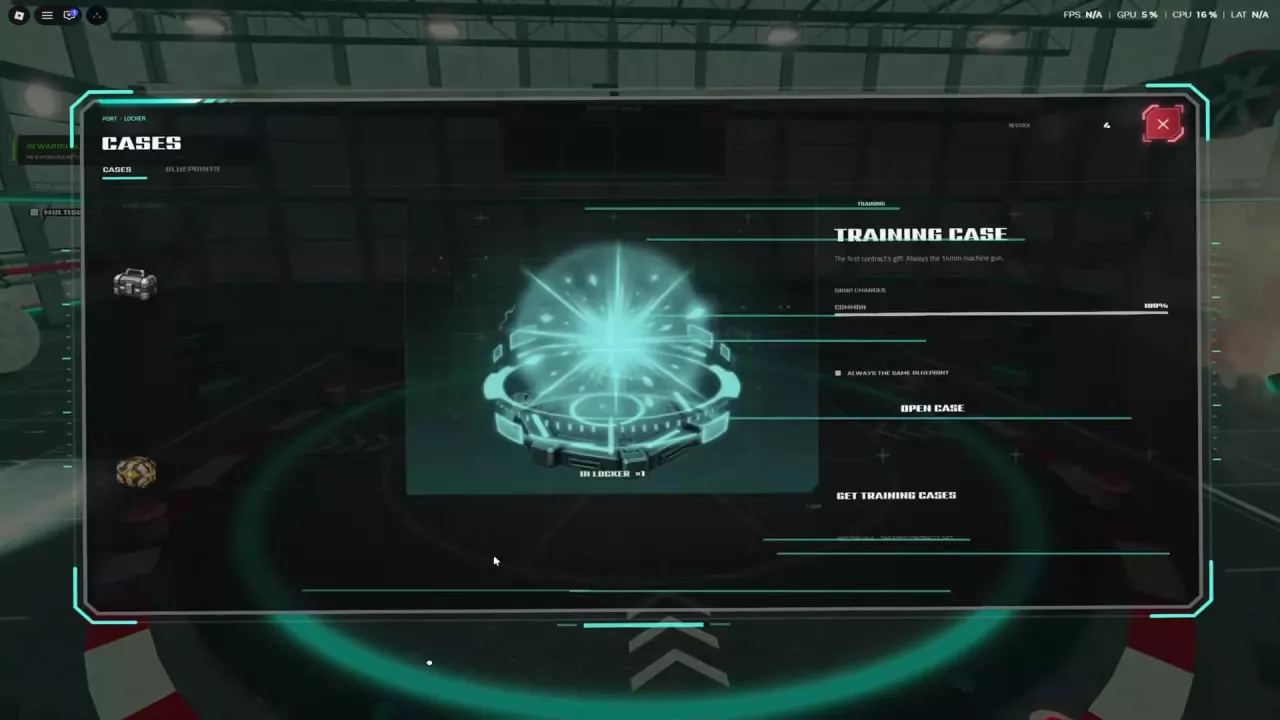
The training Bounty Hunt leads to the M14 14mm MG blueprint. The Training Case guarantees a Common 14mm machine-gun blueprint. Field Training also offers a blueprint reward for collecting 20 Iron and defeating 3 enemies.

You can also open cases in the port Locker for weapon blueprints. See the cases guide for case sources and opening instructions.

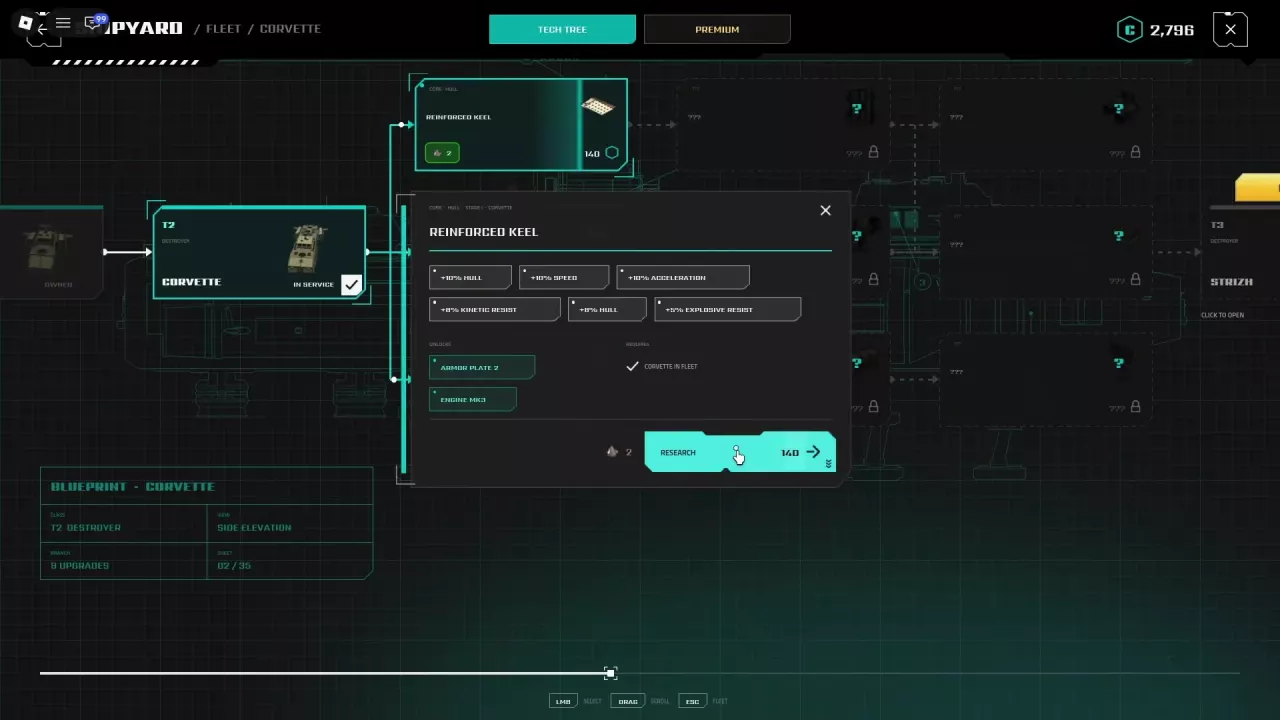
To unlock the AK-101, M20 20mm Twin, and XM12 Rocket Pod, have a Wasp in your fleet and research Hardened Breech Blocks in its tech tree for 40 CR. The unlock makes those weapons available; check their own requirements before building or fitting them. See ship upgrades for the research menu and prerequisites.
Build the M14 with 12 Iron

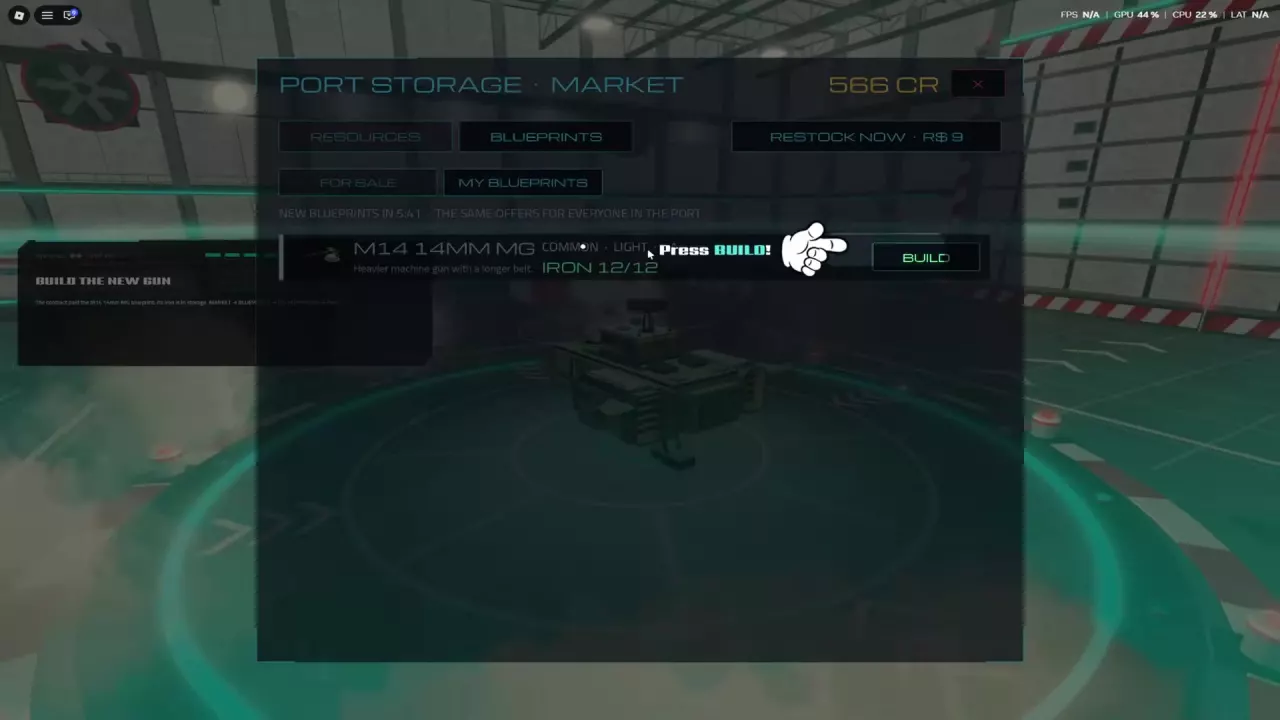
Have the M14 14mm MG blueprint and 12 Iron in storage, then:

  1. Dock at a port and open Market.
  2. Choose Blueprints, then My Blueprints.
  3. Select the M14 14mm MG and press Build.
  4. Return to the docked ship view or Shipyard to fit it to a light-gun mount.

The 12 Iron requirement is for the M14; check the displayed recipe when building another weapon.

M14 blueprint in the Market with 12 Iron and the Build button

Select a Mount and Use Equip

  1. While docked, open your ship view or Shipyard and click the gun or missile silo you want to change.
  2. In Choose a Gun, read the mount's position and class. For the M14, select a Light Guns mount.
  3. Choose an available weapon and click Equip. To change guns, choose a different available weapon at that same mount.
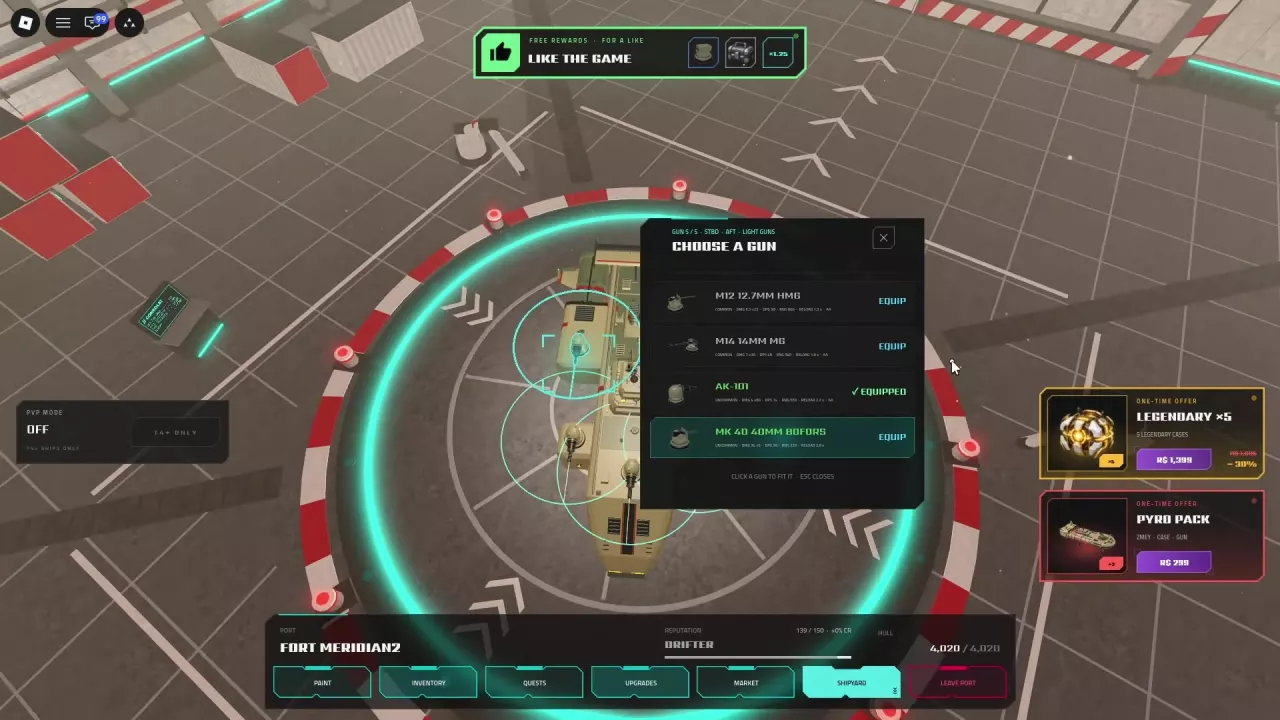
  4. Look for Gun Fitted and the Equipped label to confirm which weapon is installed there.

Build constructs a weapon; Equip fits an available weapon to the selected position. For weapon classes and unlocks, use the weapons directory; for help choosing an early loadout, see the early PvE weapon tier list.

A light-gun mount menu and Gun Fitted confirmation for an AK-101

Mount Positions and Rocket Restrictions

Mount labels identify where a weapon sits: PORT is left, STBD is right, FORE is front, and AFT is rear. Read the position in the menu each time you select a mount.

An AK-101 can appear in different positions: one installation is labeled Gun 5, STBD AFT, while another is Gun 4, PORT AFT. Do not rely on the gun number alone to find a particular side or position.

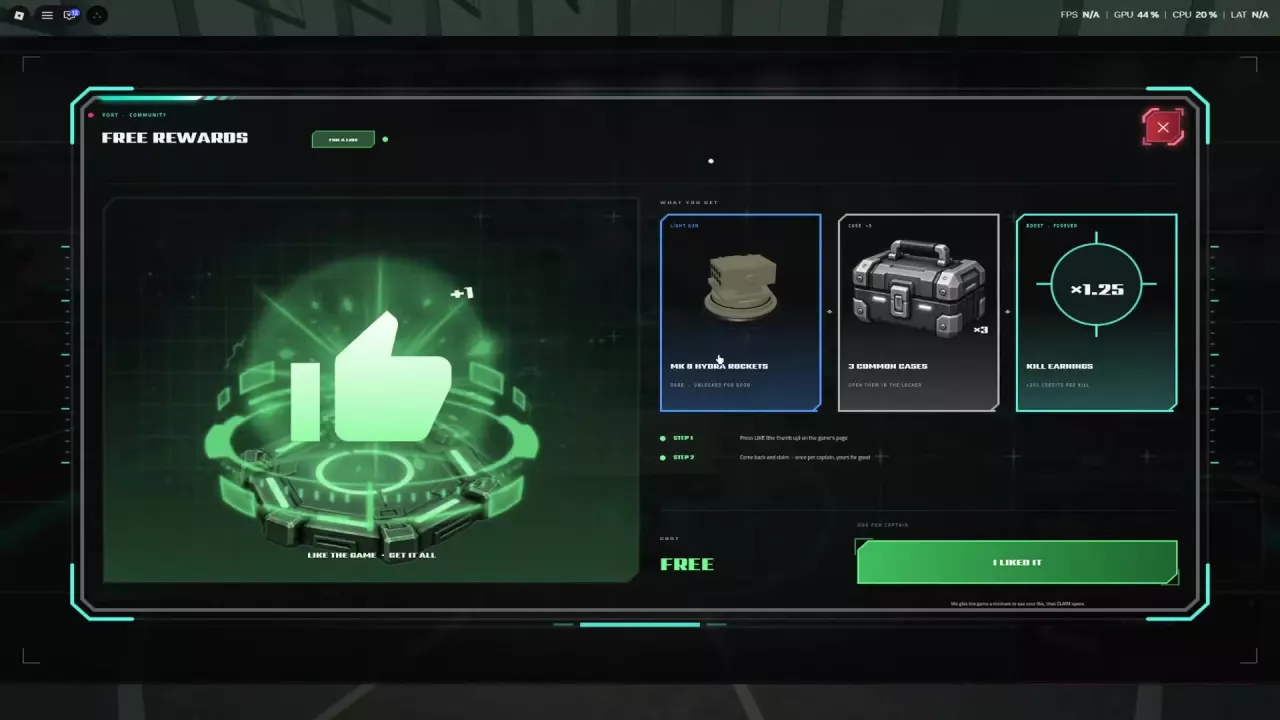
In one early rocket-launcher setup, only one launcher can be equipped. Treat that as a limit of that setup rather than a rule for every ship or rocket weapon. The free like reward unlocks Hydra rockets permanently.