SkyshipsWiki

Skyships Beginner Guide: Training and Your First Resource Runs

Last updated:

Start Skyships by learning to fly, mining Iron and completing the training bounty. Then use your first resource runs to earn Credits and improve your Wasp.

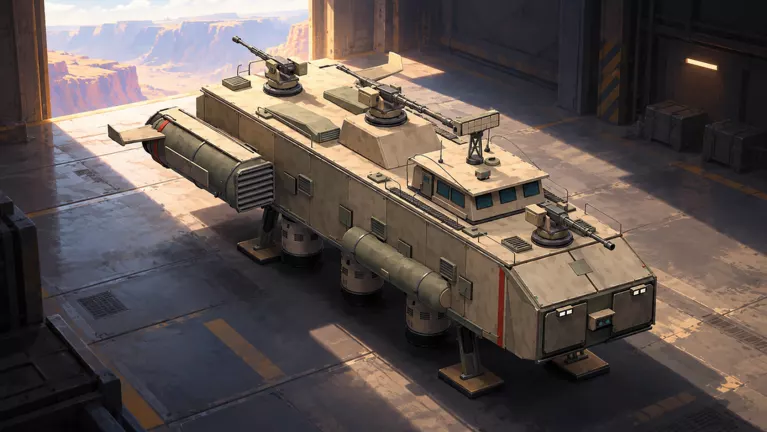
Skyships official artwork

Your First Goals

Follow the training prompts through flight, mining and the bounty, then build and equip the M14. For your first independent trips, bring Iron or Copper back to port, keep the materials needed for your next build or research, and sell the surplus for Credits.

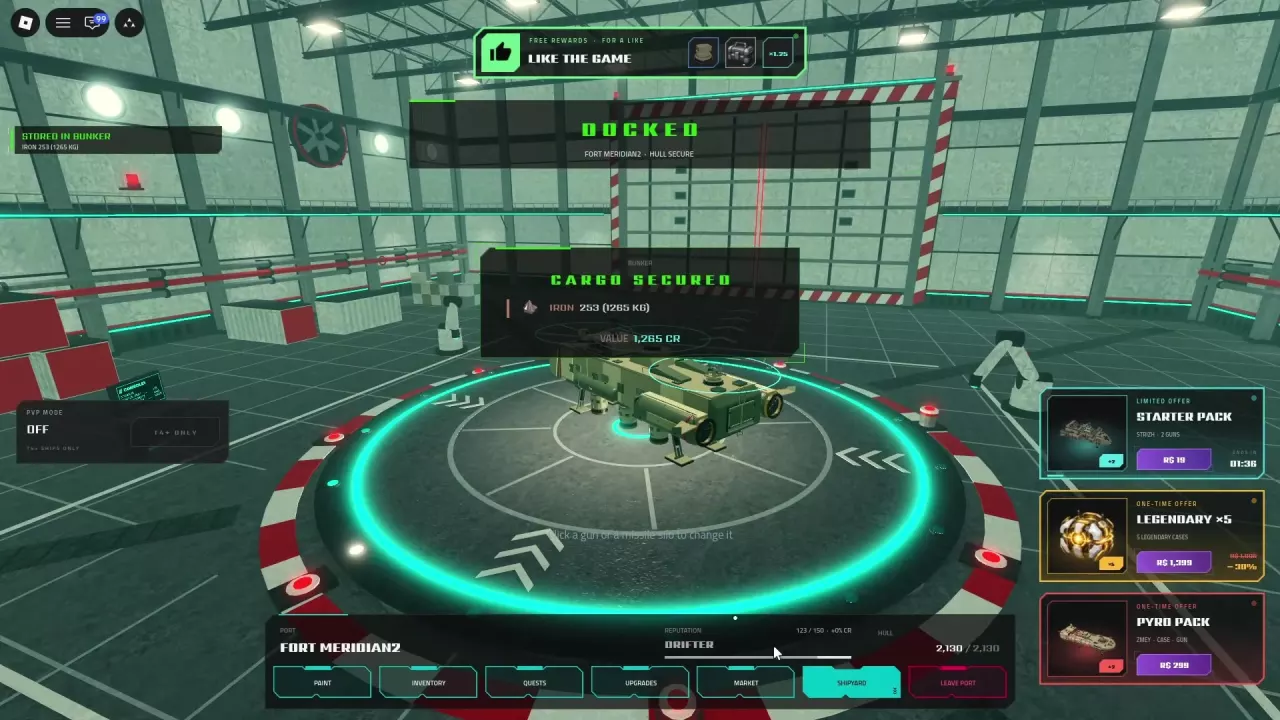
Docking secures cargo in your Bunker; selling it through the Market is a separate step. Put your early research toward Wasp's mining and cargo branch.
Fly, Mine Iron and Return to Fort Anton

  1. Use W/S for thrust, A/D to turn and E/Q to ascend or descend. Practice changing altitude when training asks you to.
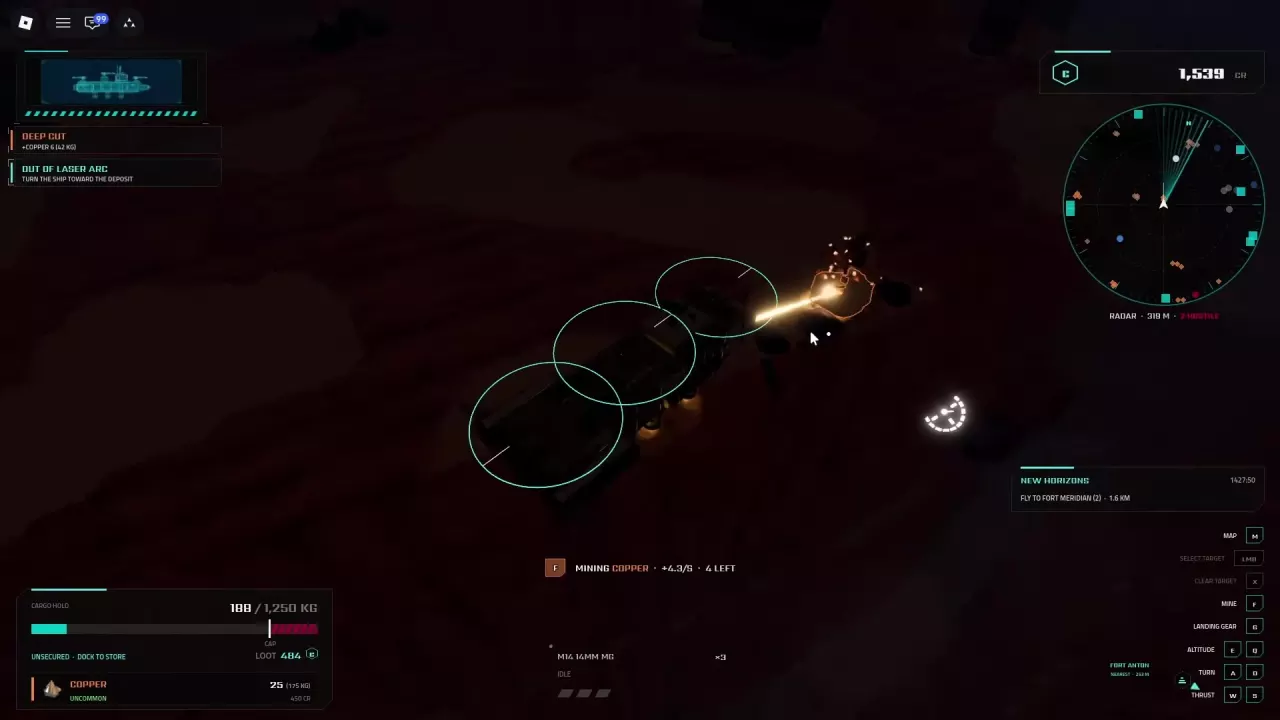
  2. Fly close to the marked Iron deposit and turn toward it so it is within the mining laser's arc. Hold F to mine.
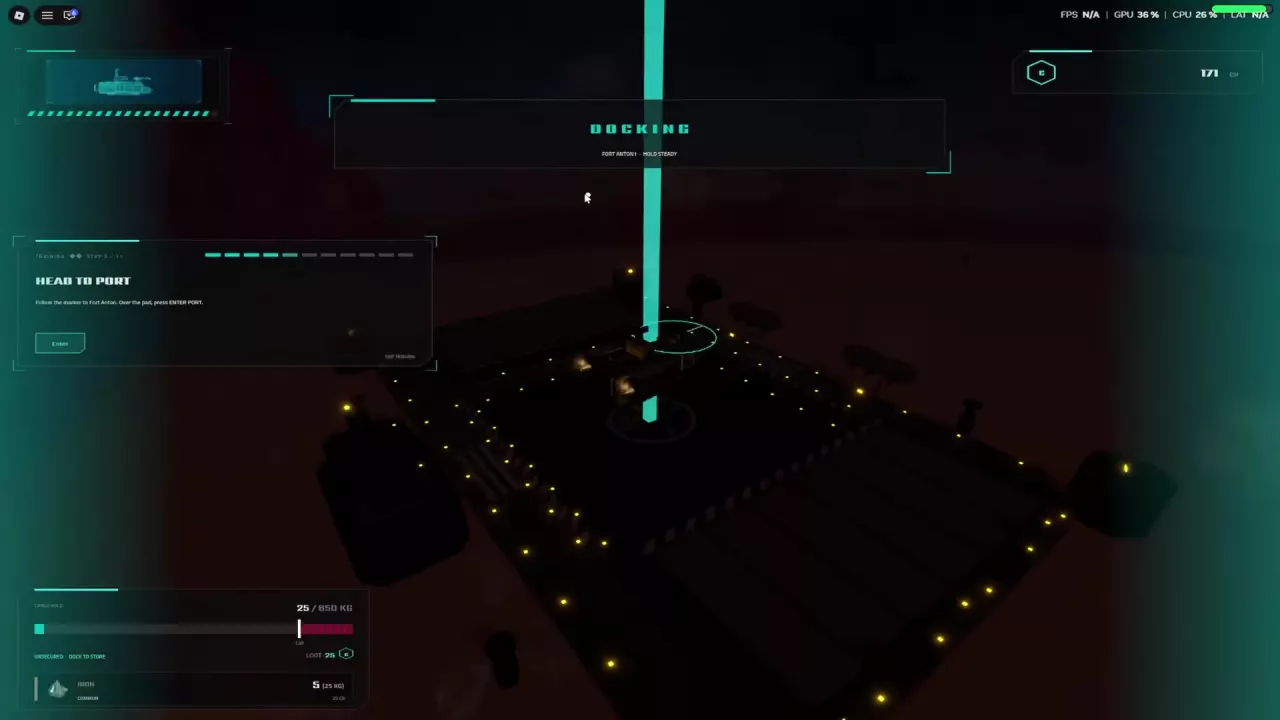
  3. Follow the Fort Anton marker back to the platform. Move above the pad, press Enter when prompted and hold the ship steady while docking.

If the laser cannot reach a deposit, adjust your distance or turn toward it. See the mining guide for laser warnings and the PC controls reference for more flight controls.

A ship docking above the Fort Anton platform during training

Finish the Training Bounty and Build Your M14

  1. Follow the training prompt to sell the collected items, then open the port's Quests interface and accept the Bounty Hunt.
  2. Leave port, follow the contract marker and defeat the specified target to receive the M14 14mm MG blueprint.
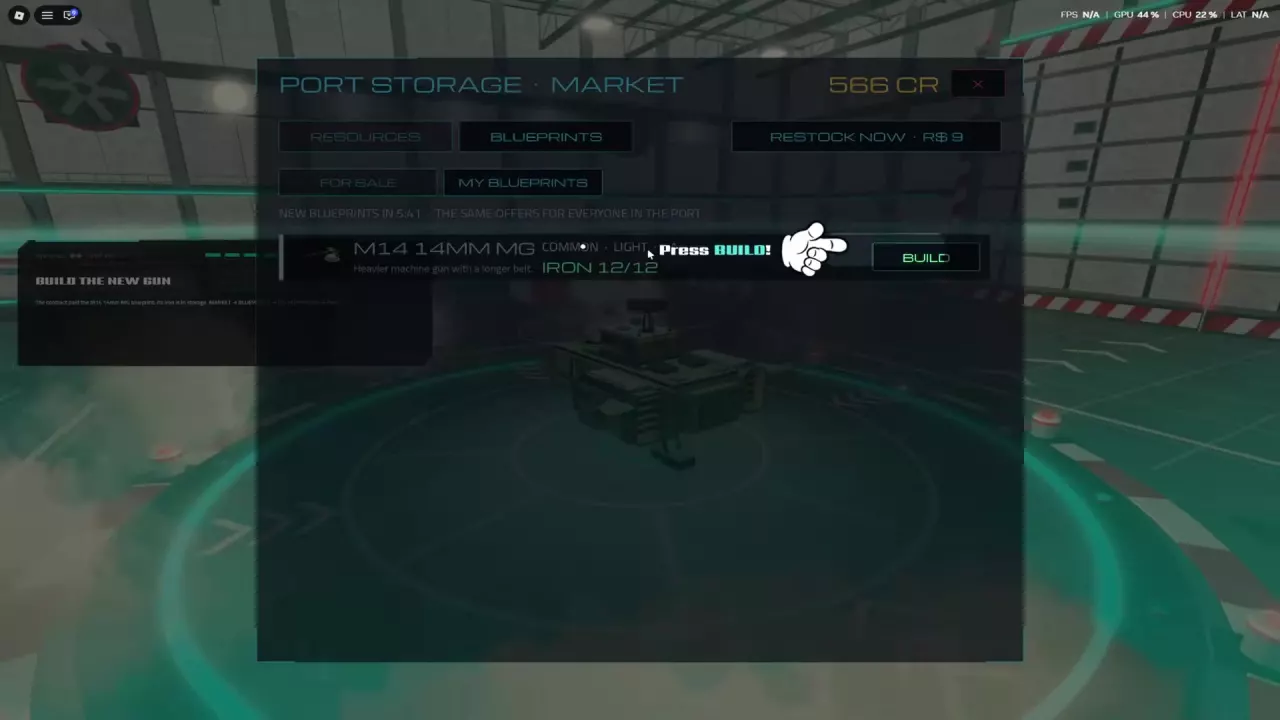
  3. Return to port and open Market → Blueprints → My Blueprints. Select the M14 and choose Build with 12 Iron in storage. The training prompt says the required Iron is already stored.
  4. In the hangar, click a compatible light-gun mount and select Equip beside the M14. The gun is fitted when the mount shows it as Equipped.

Follow the remaining hangar prompt to finish training. The M14 is a practical starter weapon for your Wasp; the weapon fitting guide covers changing mounts later.

The M14 blueprint and Build button in the port Market

Run a Mining, Storage and Selling Loop

  1. Find a nearby Iron or Copper deposit, approach it, face it and hold F to mine. Move to another deposit when it is depleted.
  2. Watch your cargo weight and return to port when the hold is full or you are ready to bank the load.
  3. Dock and wait for the Cargo Secured confirmation. Your cargo is stored in the Bunker; it has not yet been sold.
  4. Open Market → Resources and sell the quantity you want for Credits. Keep materials needed for your next construction or research, then leave port and repeat.

For more on cargo capacity and securing a load, see cargo and storage.

Choose Your First Research and Contracts

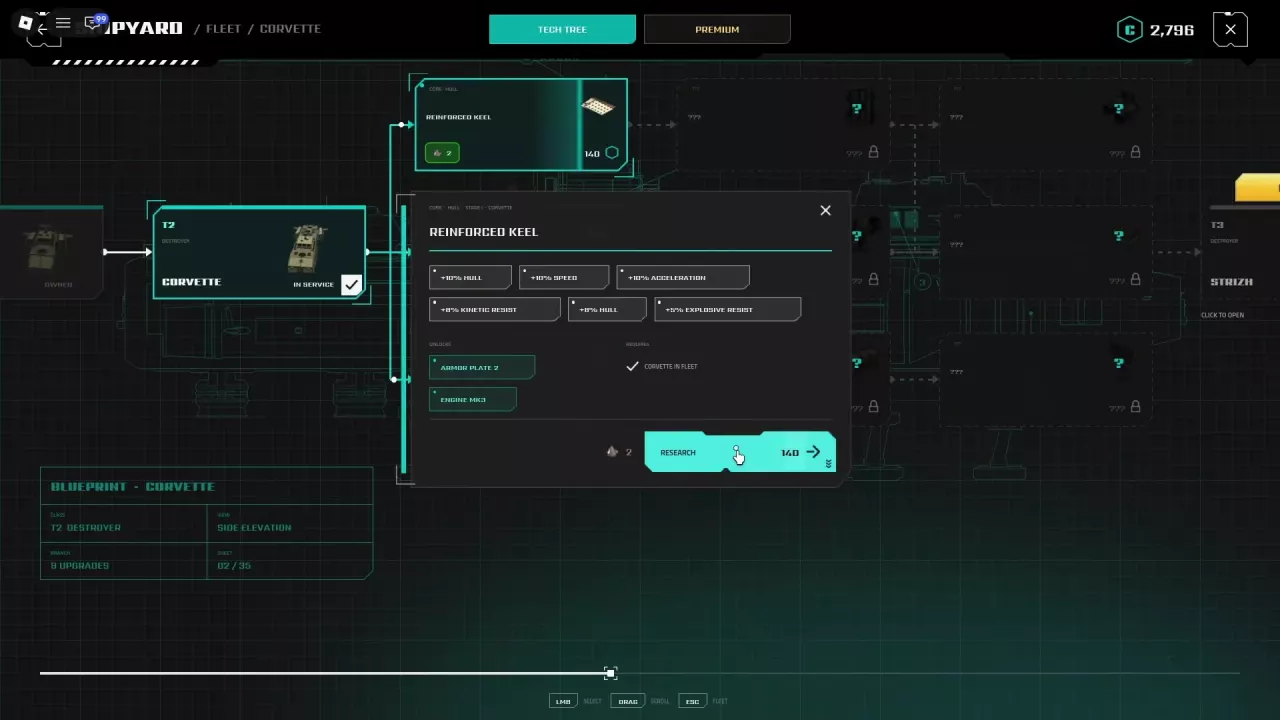
For resource runs, develop the Wasp's Riveted Hull Plating → Radar Waveguide Tuning → Mining & Cargo Package chain. The Mining & Cargo Package improves mining speed and range, cargo capacity and overload penalties, making it a useful early goal when gathering materials. At port, open Shipyard → Tech Tree, select a node and check its prerequisites and costs before researching it. See the ship upgrades guide for the full research tree.

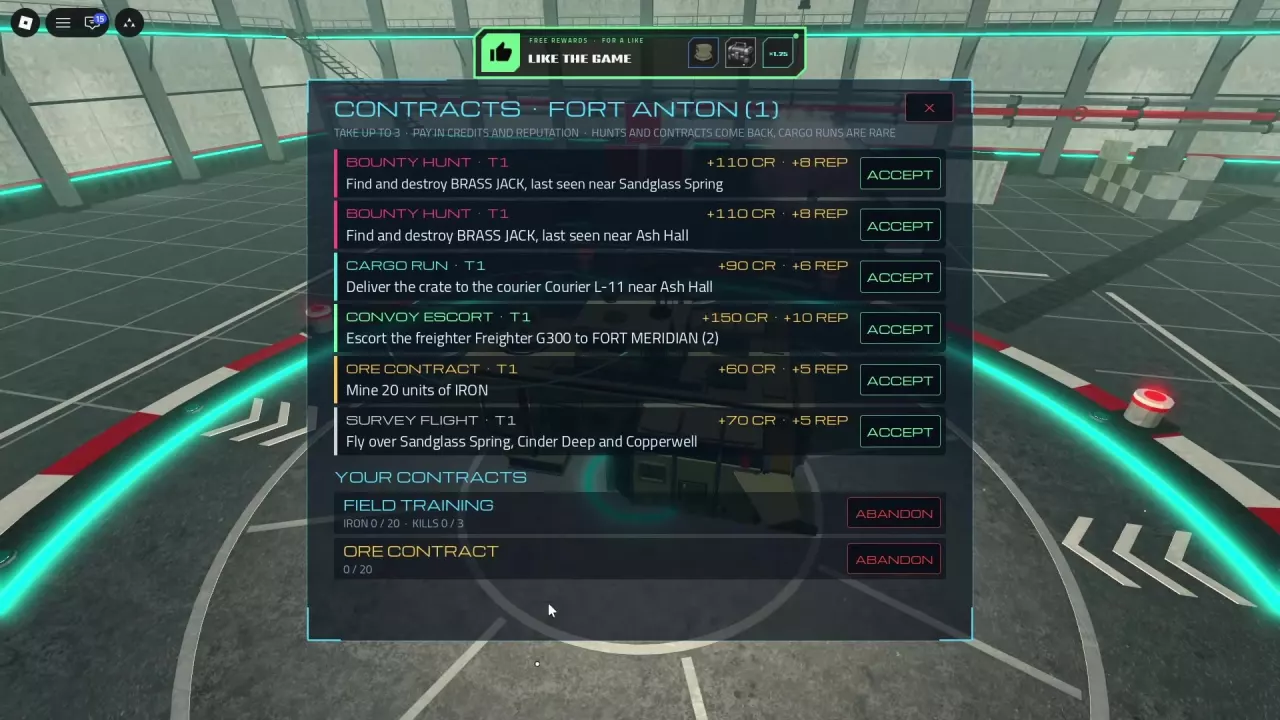
Open Quests and choose contracts that match your next trip; you can have up to three active. The optional Field Training objective asks for 20 Iron and 3 enemy kills and rewards a blueprint. When following New Horizons, fly toward the Fort Meridian marker. The contracts guide covers more objectives and rewards.