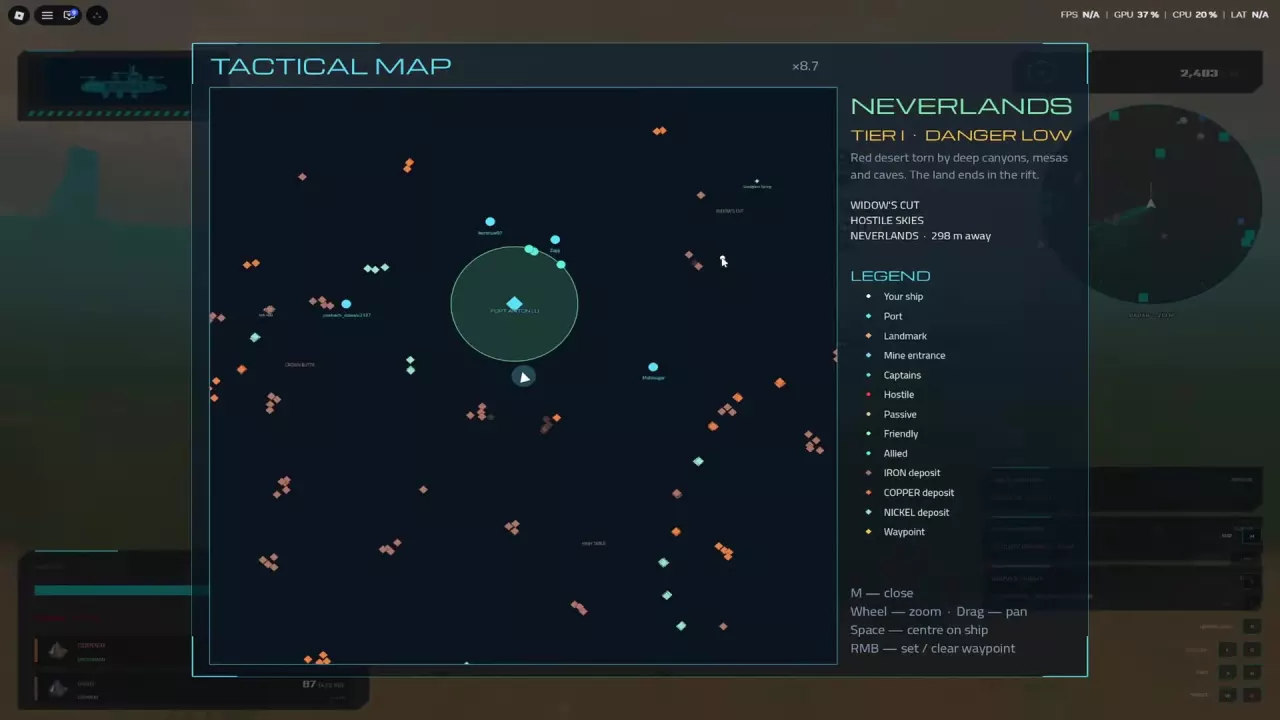
Skyships Tactical Map, Ports and Docking Guide
Read the Skyships Tactical Map, set a waypoint, find port services and dock at Fort Anton, Fort Meridian or Fort Cedars.
Last updated:
Event signals lead to timed salvage and ore recovery opportunities across Skyships. Check the objective and remaining time before heading out.
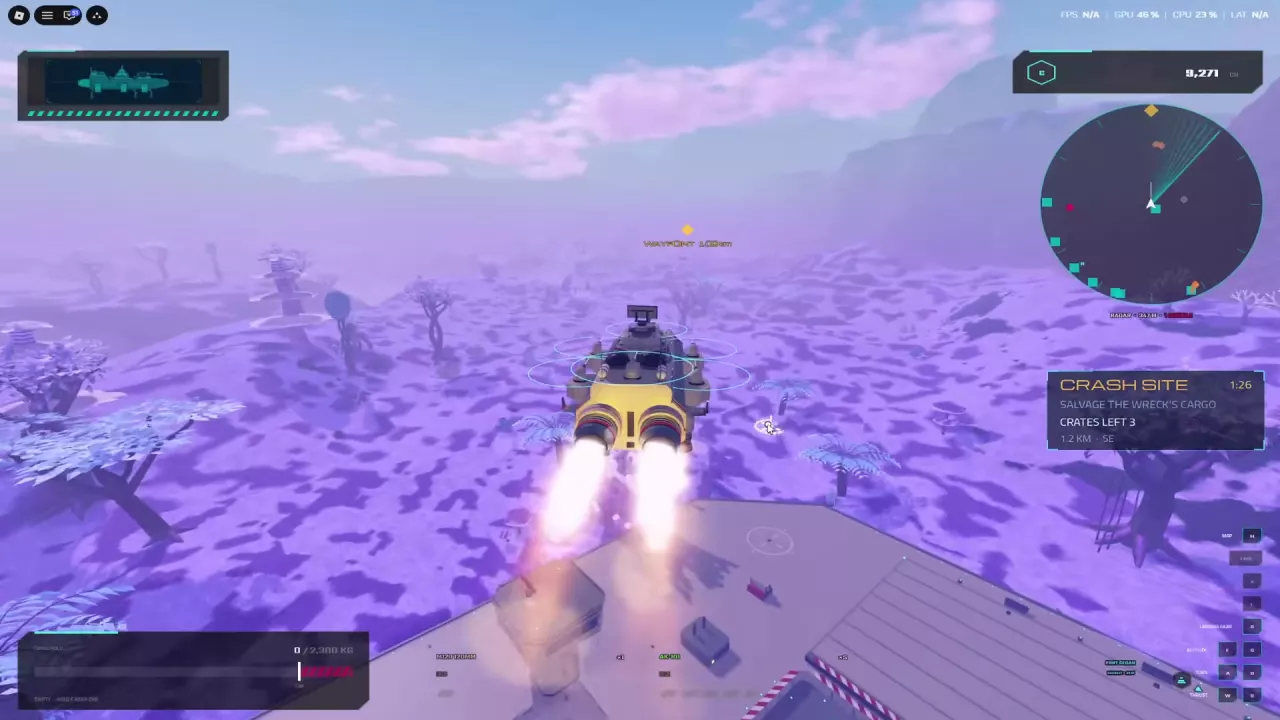
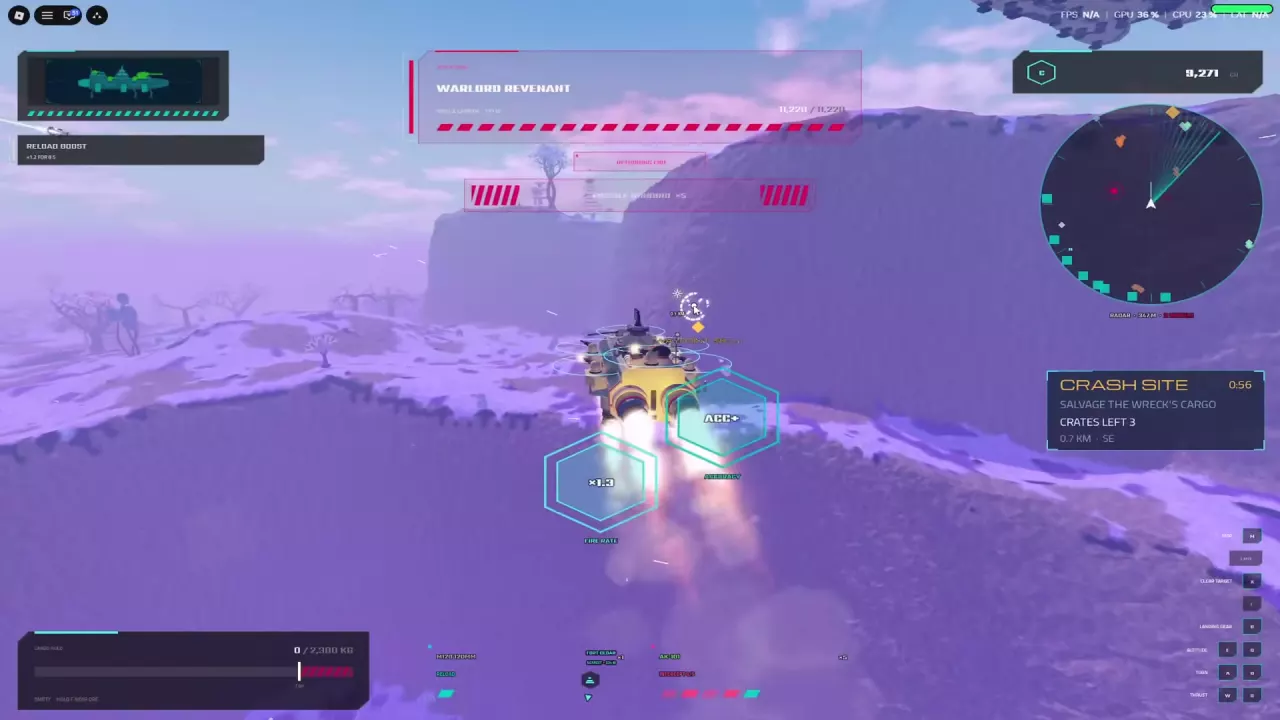
Crash Site asks you to salvage a wreck’s cargo before time runs out. Meteor Strike asks you to recover meteor ore before the claim-jumpers. Follow the signal’s direction and distance, watch the countdown and remaining crates, and prepare for hostile ships.
Both events are timed. Crash Site leads to wreck cargo, while Meteor Strike sends you after meteor ore ahead of the claim-jumpers.
For general waypoint navigation, see the tactical map and ports guide.
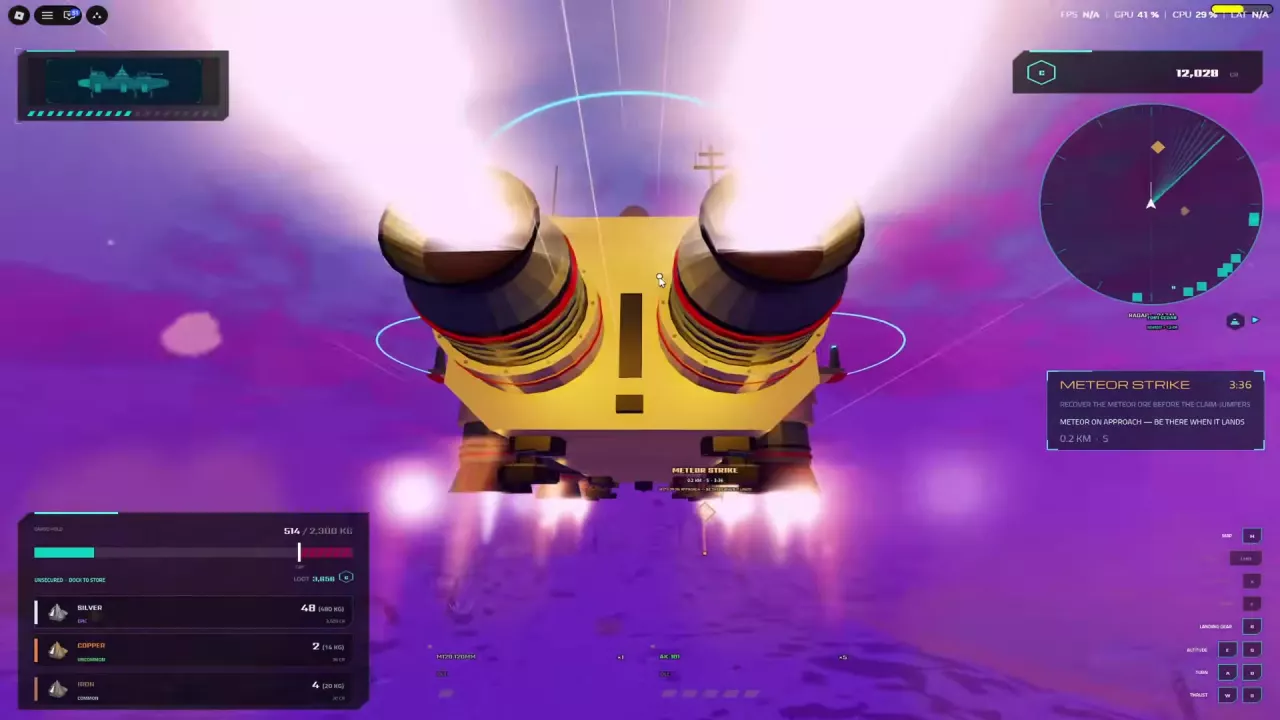
Hostile ships can interrupt either event, and incoming missiles are a risk on the approach to a Crash Site. Maneuver when attacked, engage threats as needed, and leave yourself a route to retreat.
If you are already carrying valuable resources, dock and store them before responding to a signal. Unsecured cargo is at risk if your ship is destroyed. See cargo and storage for banking instructions, the combat guide for handling attacks and retreating, and the enemy ship directory for threat identification.
Read the Skyships Tactical Map, set a waypoint, find port services and dock at Fort Anton, Fort Meridian or Fort Cedars.
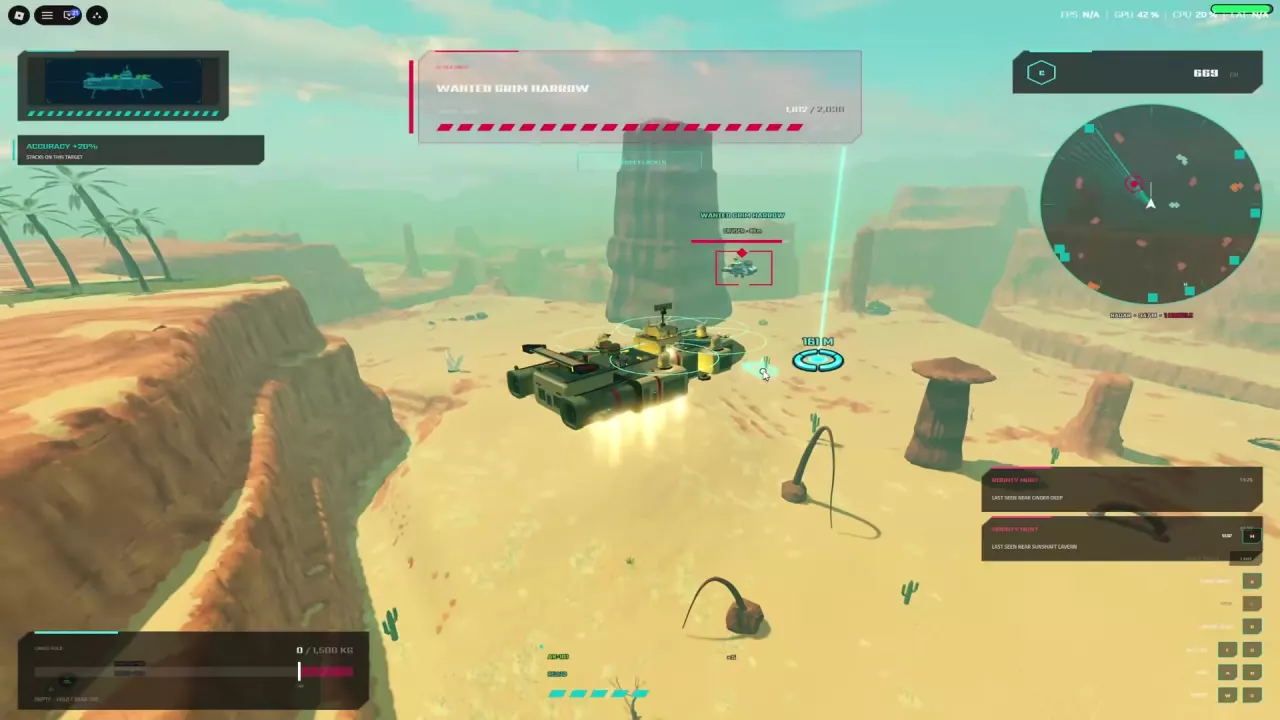
Learn Skyships targeting, fix range and view warnings, read combat bonuses, retreat from missiles, get free repairs, and find the T4+ PvP requirement.
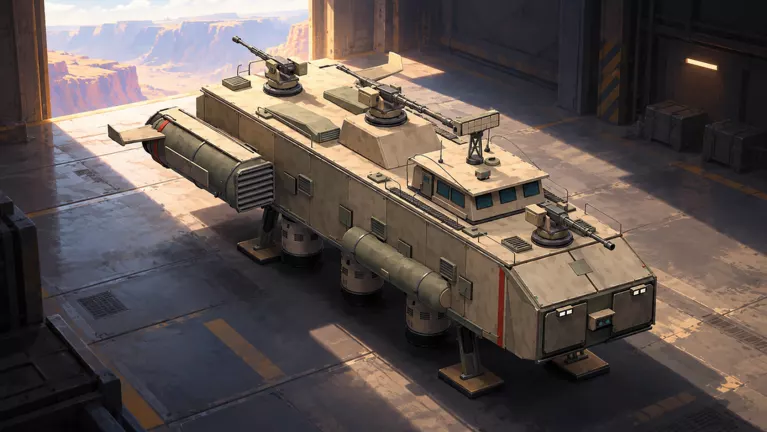
Identify ten Skyships enemies by ship class, training or bounty role, and encounter hazards, including Marauder Gyurza and the T4 Cruiser Kuvalda.
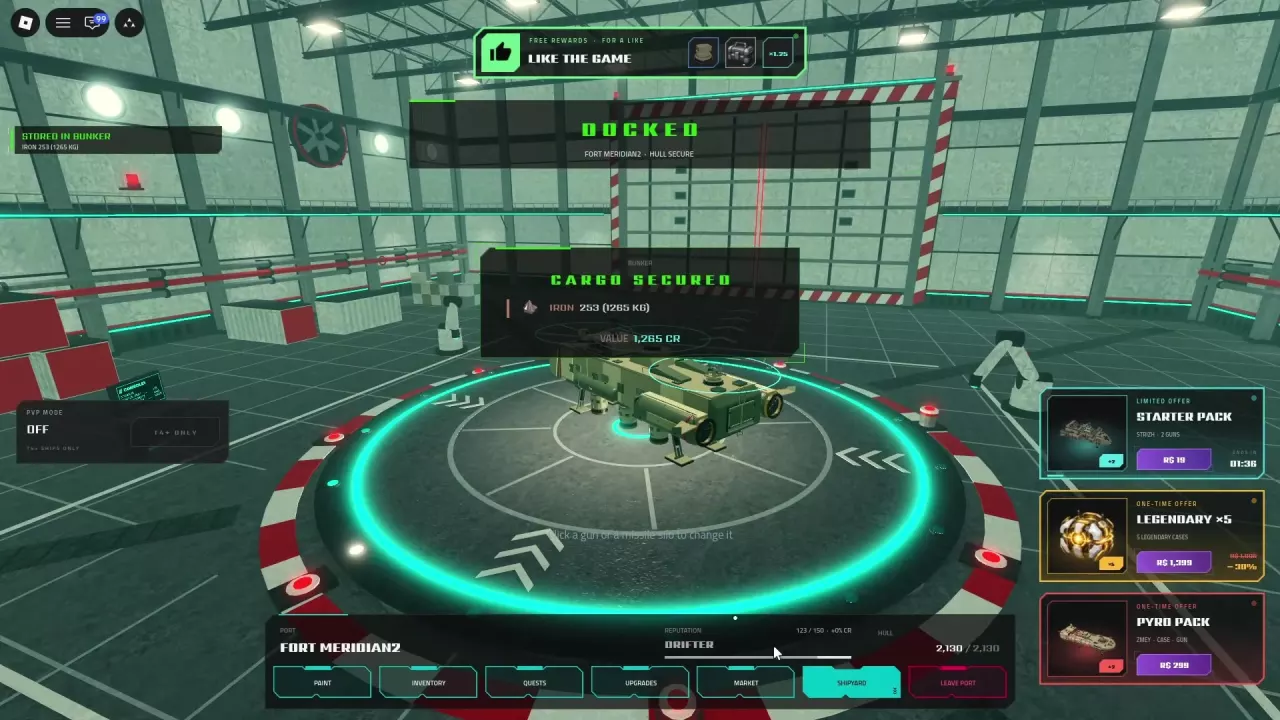
Learn how Skyships cargo weight and overload work, how to store resources in the Bunker, and which upgrades improve cargo retention.