
Skyships Resources: Ore Weights, Prices and Acquisition
Compare ten Skyships resources by rarity, cargo weight and market price examples. Find early ore deposits and learn which materials to carry or keep.
Last updated:
Find a deposit, position your ship, and use the mining laser to fill your cargo hold in Skyships.
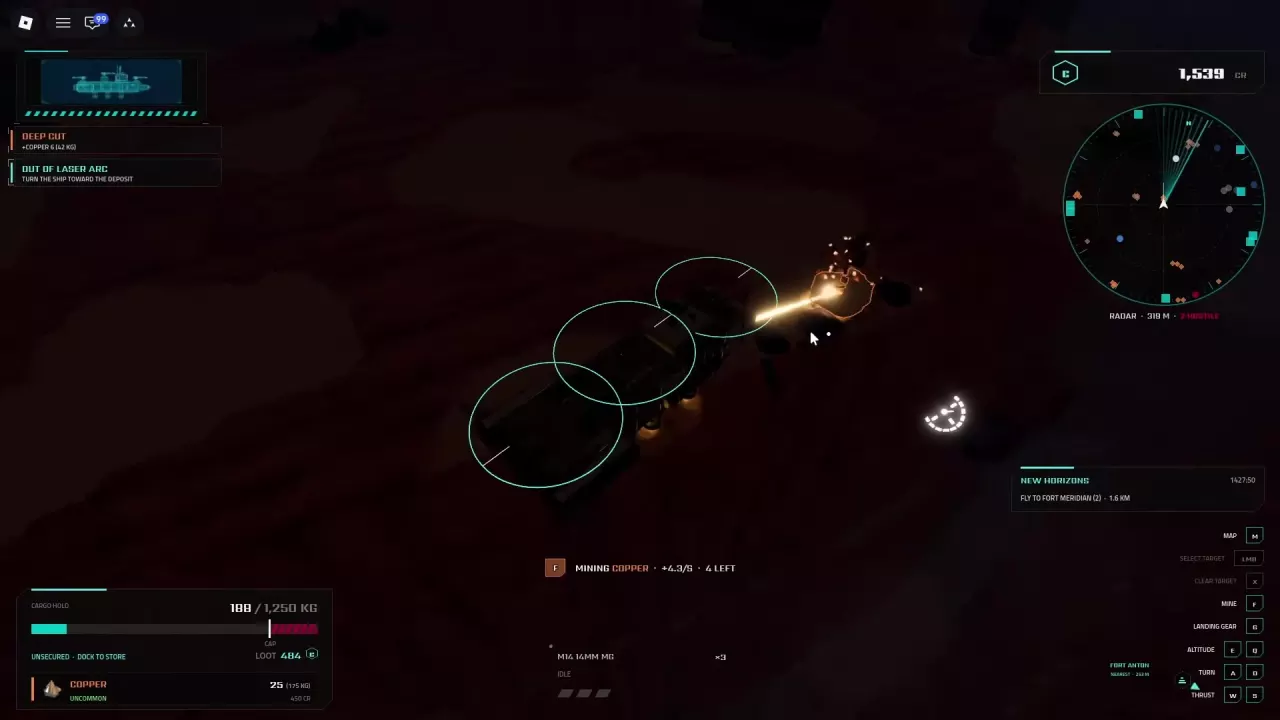
Fly close to a deposit, point your ship's bow toward it, and hold F. Turn toward the deposit if it is outside the laser arc, move closer if it is out of range, and find another deposit when it is depleted. Return to port when your cargo hold is full.
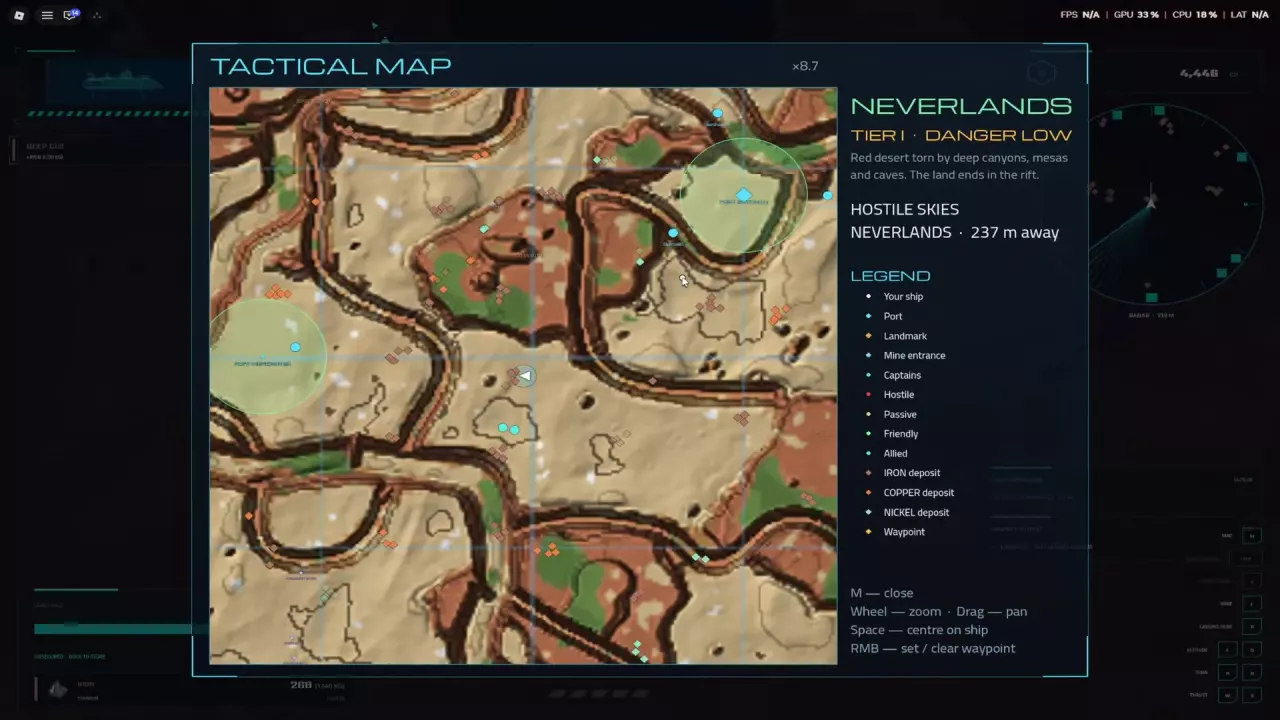
For an early Iron run, look near Fort Anton. See the map and ports guide for more navigation and docking help.
Fly close to the deposit and turn your ship's bow toward it. Hold F to fire the mining laser and collect ore.
The mining display identifies the resource, collection rate, and amount left in the deposit. Collected ore enters your cargo hold, where you can watch its quantity and weight increase. Use the same approach and control to mine Iron, Copper, Nickel, Silver, and Tungsten.
For ore weights and market price examples, see the resource directory.
| Message | What to do |
|---|---|
| OUT OF LASER ARC | Turn the ship's bow toward the deposit until it is within the laser's arc. |
| NO DEPOSIT IN RANGE | Fly closer to a mineable deposit, then hold F. |
| DEPOSIT DEPLETED | The current deposit is mined out. Move to another one to continue; the ore already collected stays in your cargo hold. |
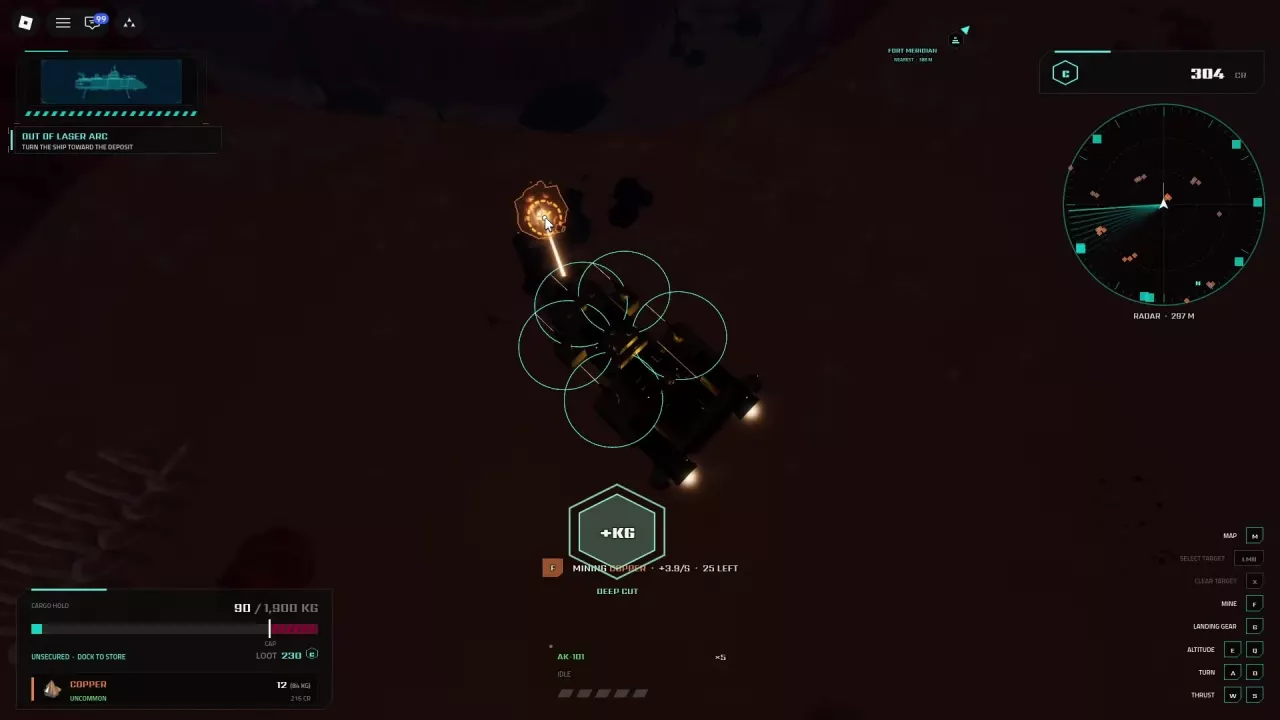
Keep the deposit within range and the laser arc to reduce interruptions, and move on when it runs out. Choose mining research for your current ship:
For ship-specific combinations and prerequisites, see mining builds.
Deep Cut can award resources while mining; one Copper occurrence awarded 6 Copper. Watch your cargo weight and return to port when full: overloading slows the ship. Dock to store the load in your Bunker; storage does not automatically sell it. See cargo and storage for the docking and storage details.
Compare ten Skyships resources by rarity, cargo weight and market price examples. Find early ore deposits and learn which materials to carry or keep.
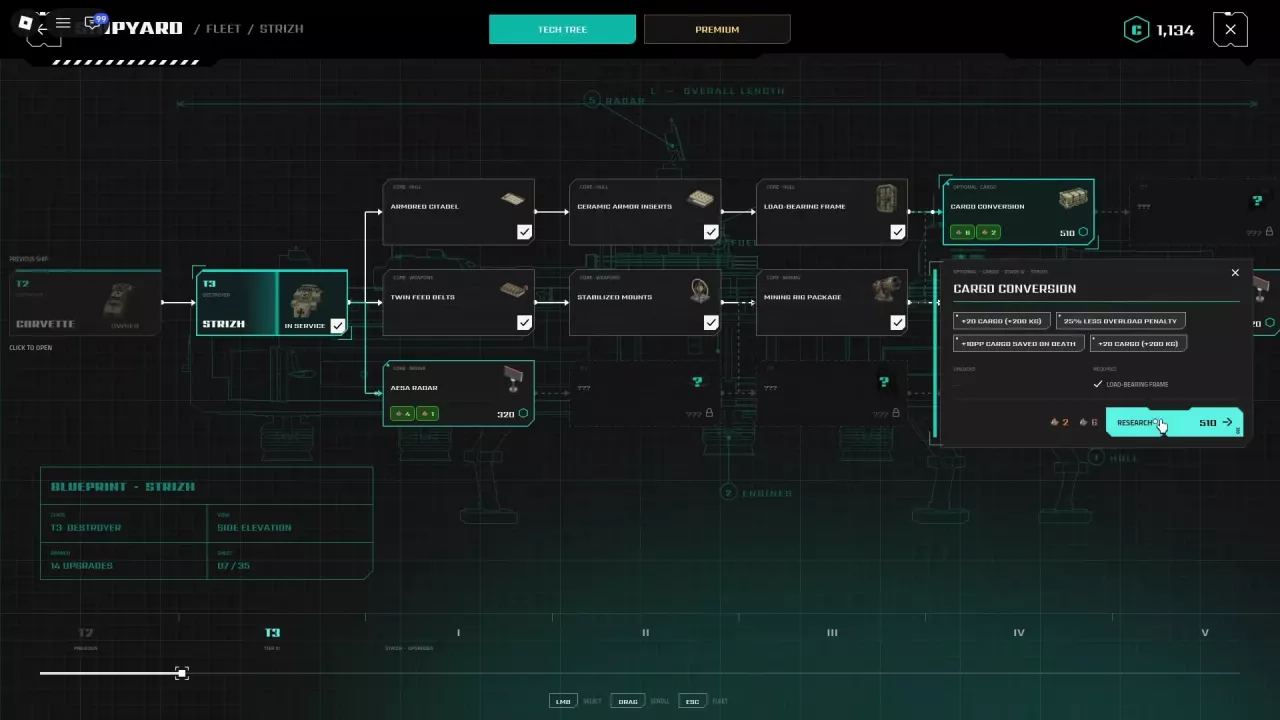
Choose a Skyships mining build for Wasp, Corvette, Strizh or Berkut with research routes for mining, cargo capacity, movement and cargo protection.
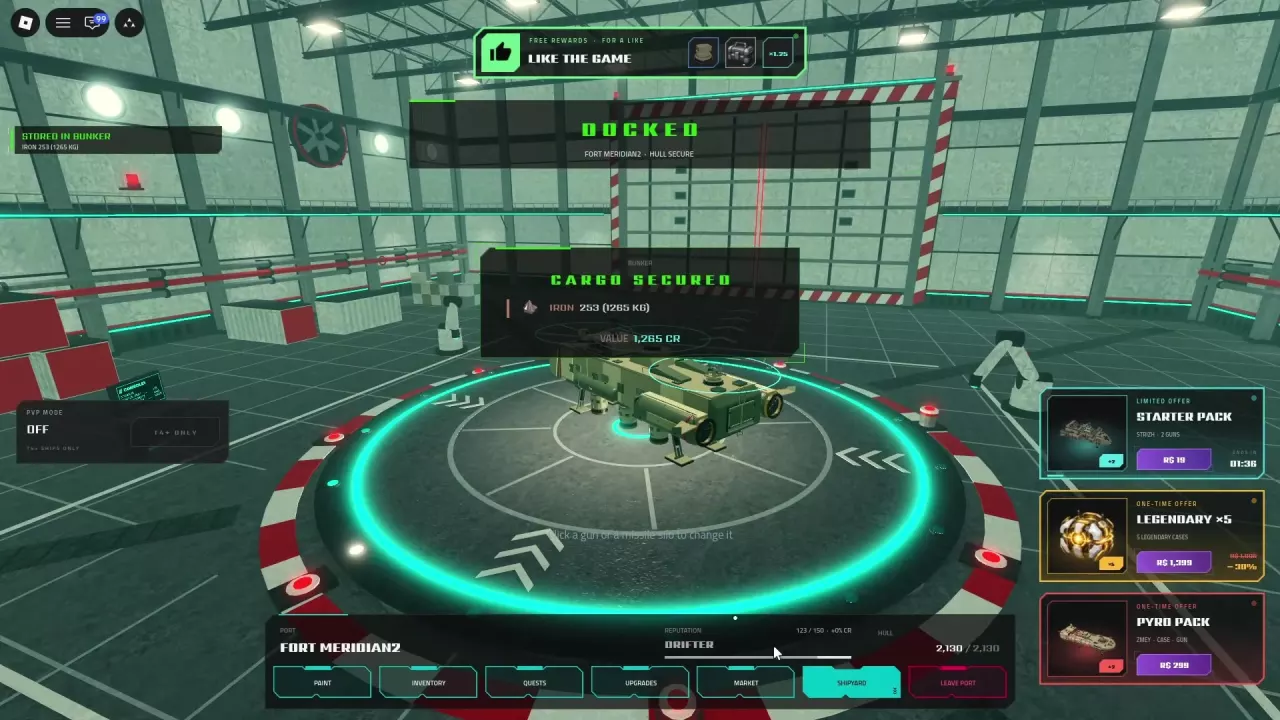
Learn how Skyships cargo weight and overload work, how to store resources in the Bunker, and which upgrades improve cargo retention.
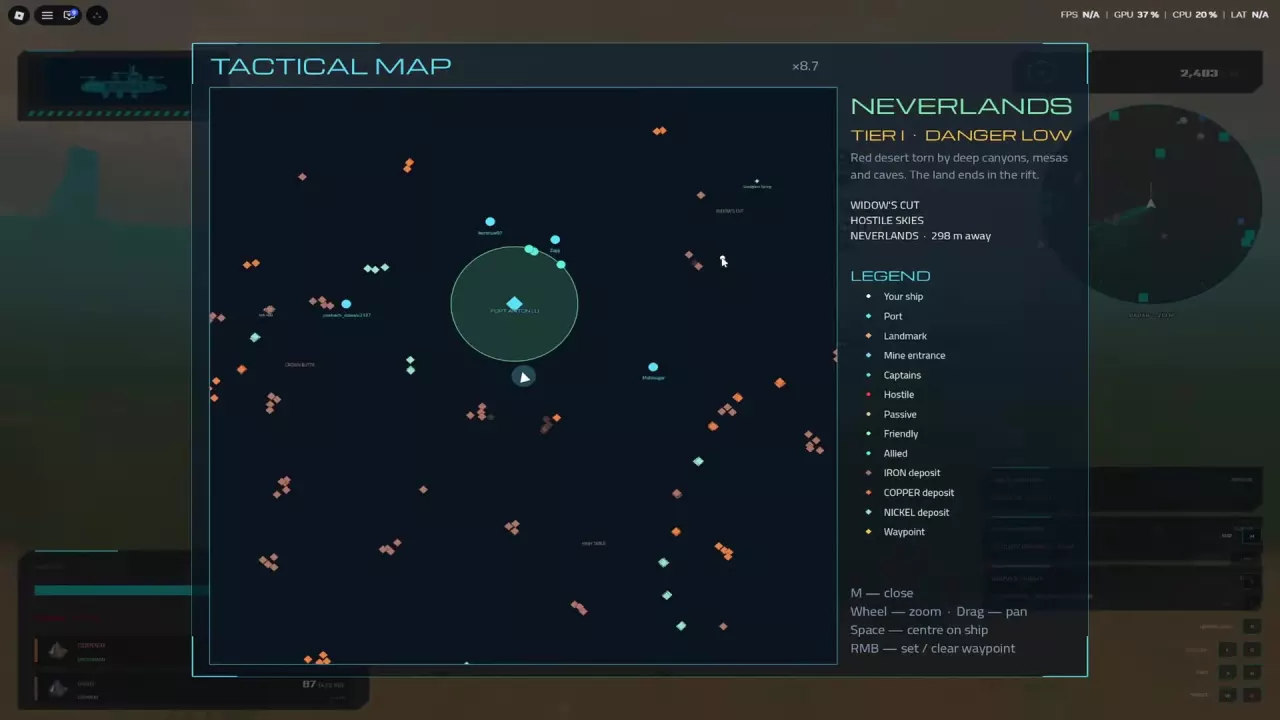
Read the Skyships Tactical Map, set a waypoint, find port services and dock at Fort Anton, Fort Meridian or Fort Cedars.