
Skyships Cargo Guide: Capacity, Overload and Storage
Learn how Skyships cargo weight and overload work, how to store resources in the Bunker, and which upgrades improve cargo retention.
Last updated:
The Skyships resource market lets you turn stored ore into Credits or buy materials for research.
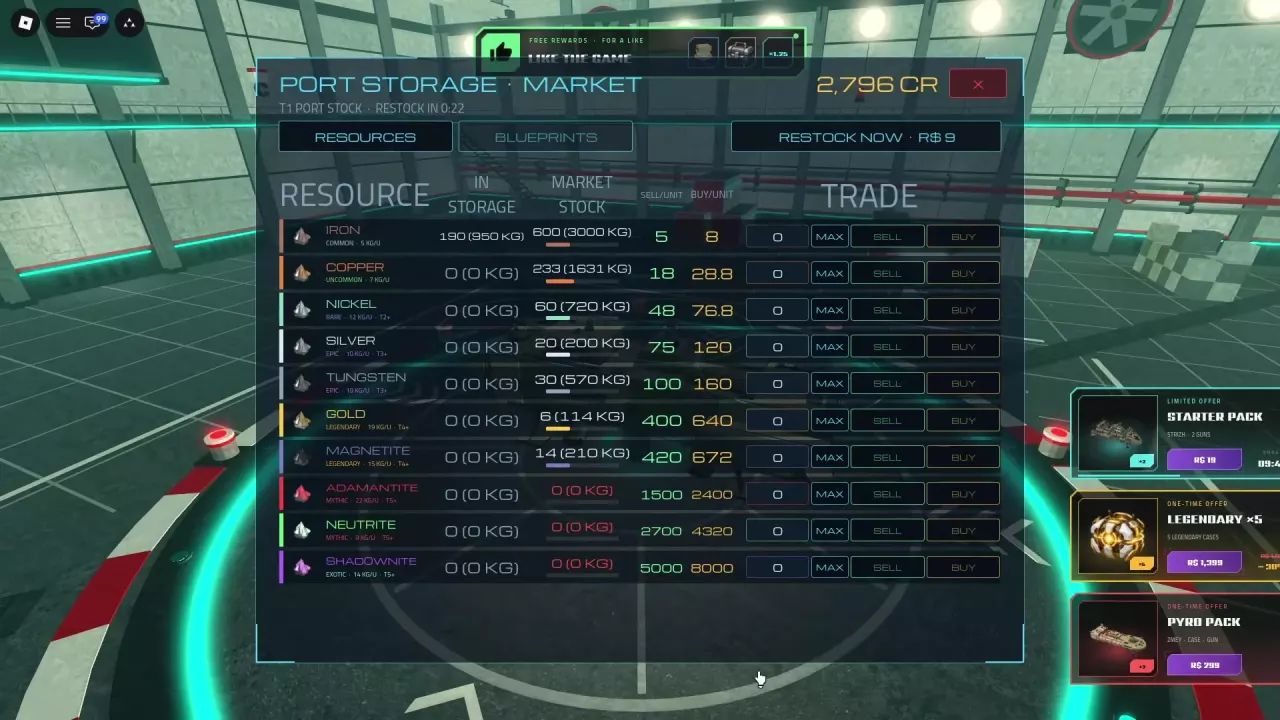
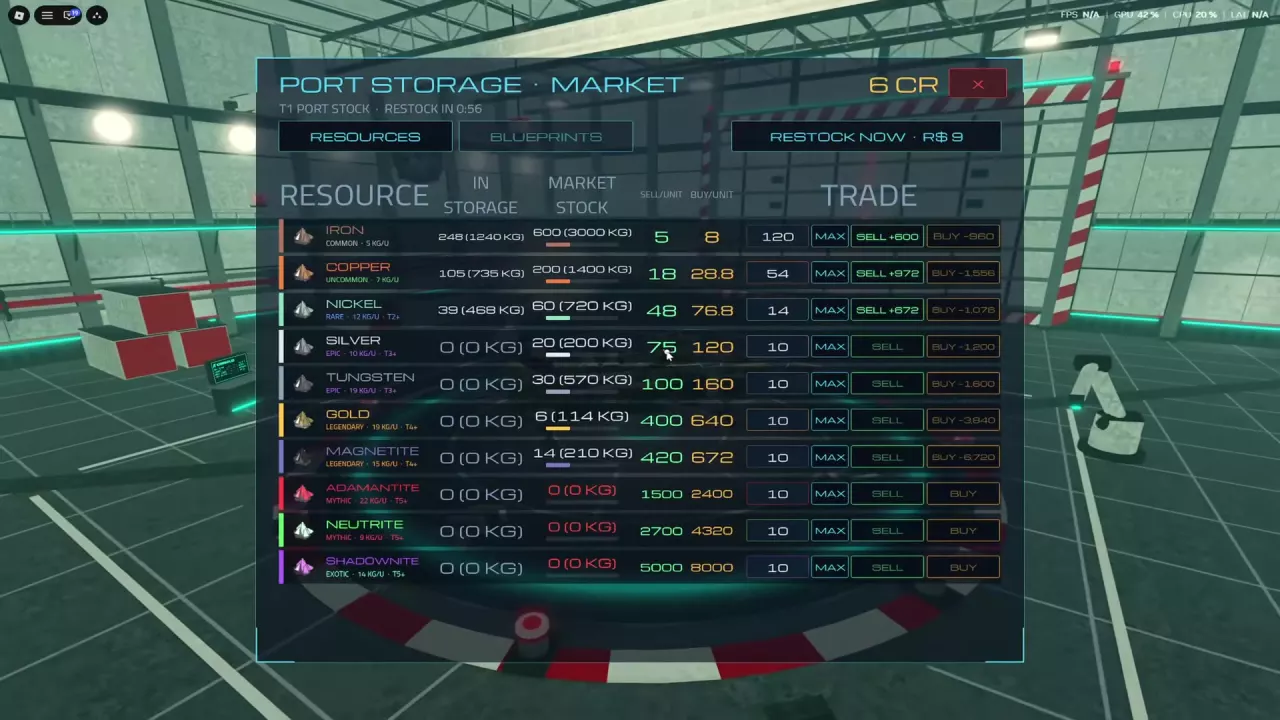
Dock at a port and open Market → Resources. Enter a quantity or use MAX, then select SELL to receive Credits or BUY to spend Credits. Selling requires resources in personal storage; buying requires Credits and market stock. If stock is zero, check the restock countdown or the RESTOCK NOW option.
Dock at a port, open Market, and select Resources. Find the material you want and read across its row:
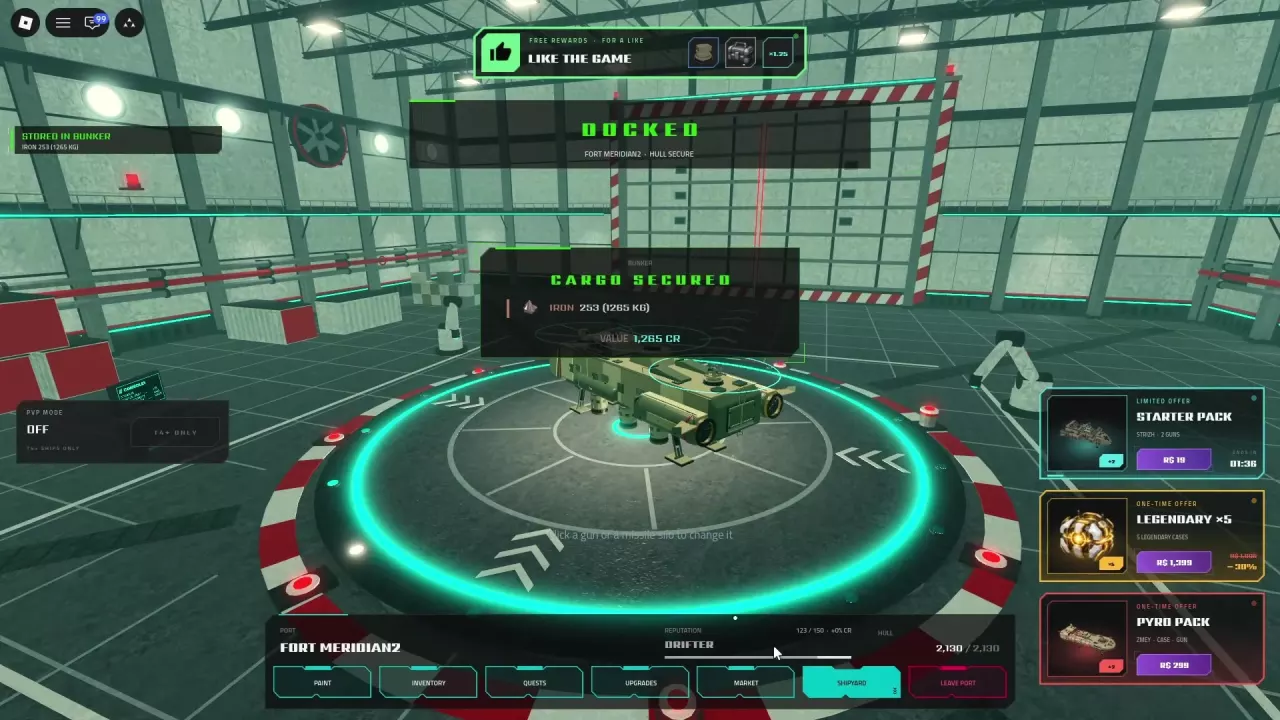
Docking stores cargo but does not sell it. Look for the cargo secured or stored in Bunker confirmation before trading; see cargo and storage for the docking and storage process.
For a purchase, make sure you have enough Credits and that the market has enough stock. MAX does not remove those requirements.
Multiply the number of units by the relevant displayed price per unit. Use the buy price for purchases and the sell price for sales.
| Trade | Calculation | Total |
|---|---|---|
| Buy 10 Copper | 10 × 28.8 CR | 288 CR spent |
| Sell 33 Copper | 33 × 18 CR | 594 CR received |
| Sell 200 Iron | 200 × 5 CR | 1,000 CR received |
At these prices, buying 10 Copper for 288 CR and selling the same 10 back for 180 CR loses 108 CR. Buy materials when you need them, rather than expecting an immediate resale profit.
See the resource directory for prices and weights for all ten resources, or compare which ore to sell when cargo space is limited.
A zero in Market Stock means that resource currently has no units available to buy. Check the restock countdown at the top of the market, or use the displayed RESTOCK NOW option for R$9.
Learn how Skyships cargo weight and overload work, how to store resources in the Bunker, and which upgrades improve cargo retention.
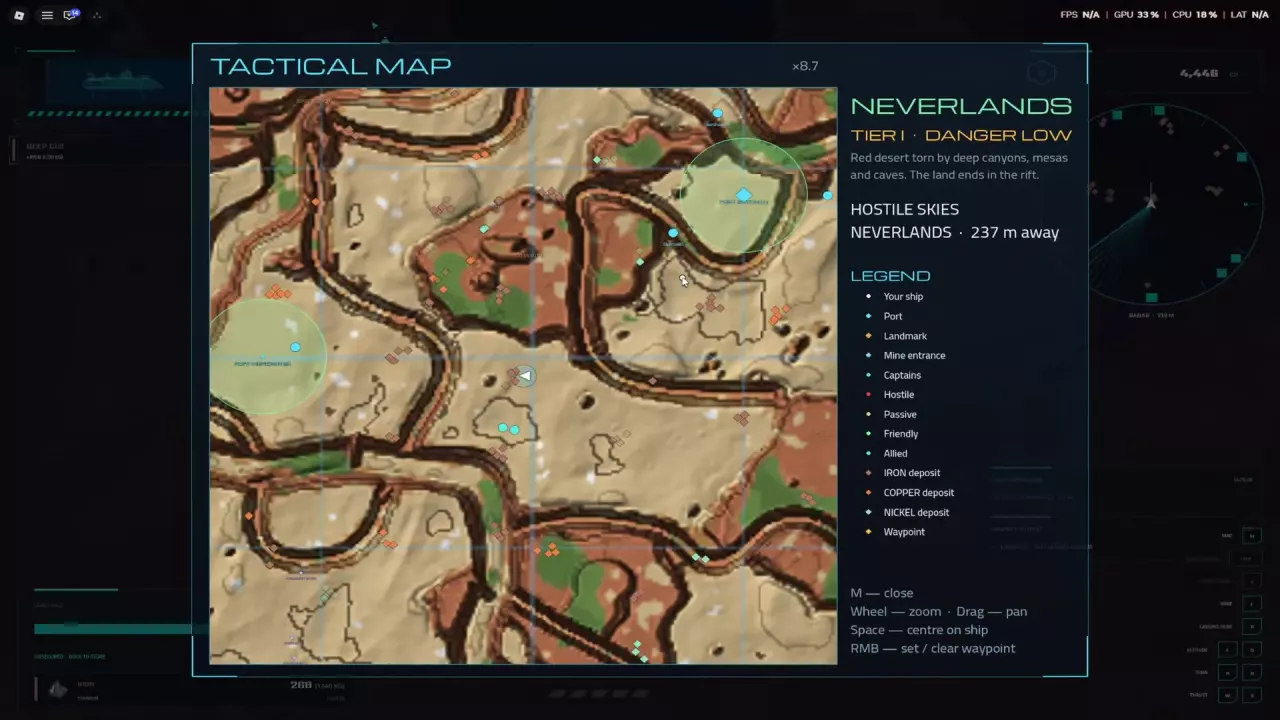
Compare ten Skyships resources by rarity, cargo weight and market price examples. Find early ore deposits and learn which materials to carry or keep.
Earn Credits in Skyships by selling ore and completing suitable contracts. Compare all ten ores by CR/kg and choose what to carry in limited cargo space.
Compare Skyships game passes and packs by Robux price, trading fees, fleet capacity, case rewards and purchase limits.