
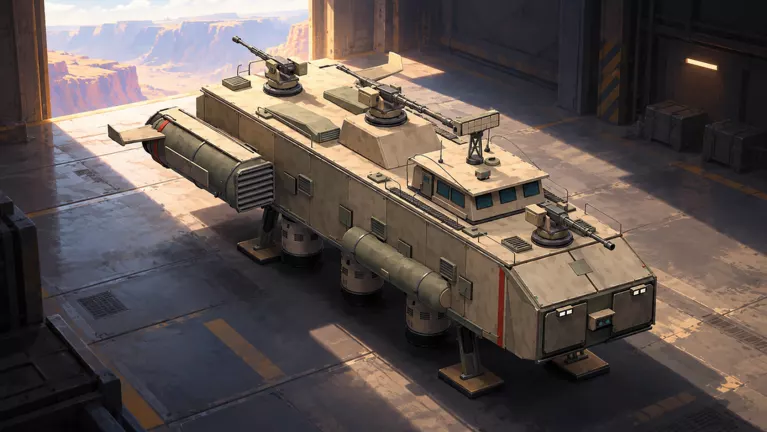
Skyships Beginner Guide: Training and Your First Resource Runs
Complete Skyships training, build the M14, mine and sell resources, and choose your first Wasp upgrades and contracts.
Last updated:
Use this Skyships keyboard and mouse reference to fly, navigate, mine and select targets.
Use W/S for thrust, A/D to turn and E/Q to change altitude. Press G to toggle landing gear. If a hull stress warning tells you to slow down, reduce speed and keep clear of terrain.
| Control | Action |
|---|---|
| W / S | Control thrust |
| A / D | Turn |
| E / Q | Ascend / descend |
| G | Toggle landing gear |
| Hold F | Mine near an ore deposit |
| M | Open or close the Tactical Map |
| Left-click | Select a target |
| X | Clear the selected target |
| Enter | Enter Fort Anton when the training prompt appears above the docking platform |
For mining positioning and laser warnings, see how to mine in Skyships. For target selection and combat warnings, see the combat guide.
Press M to open the Tactical Map. While it is open:
| Control | Action |
|---|---|
| Mouse wheel | Zoom |
| Drag | Pan the map |
| Space | Center the map on your ship |
| Right-click | Set or clear a waypoint |
Press M again to close the map, then follow the waypoint's direction and distance indicator. For map markers, ports and docking, see the Tactical Map and ports guide.
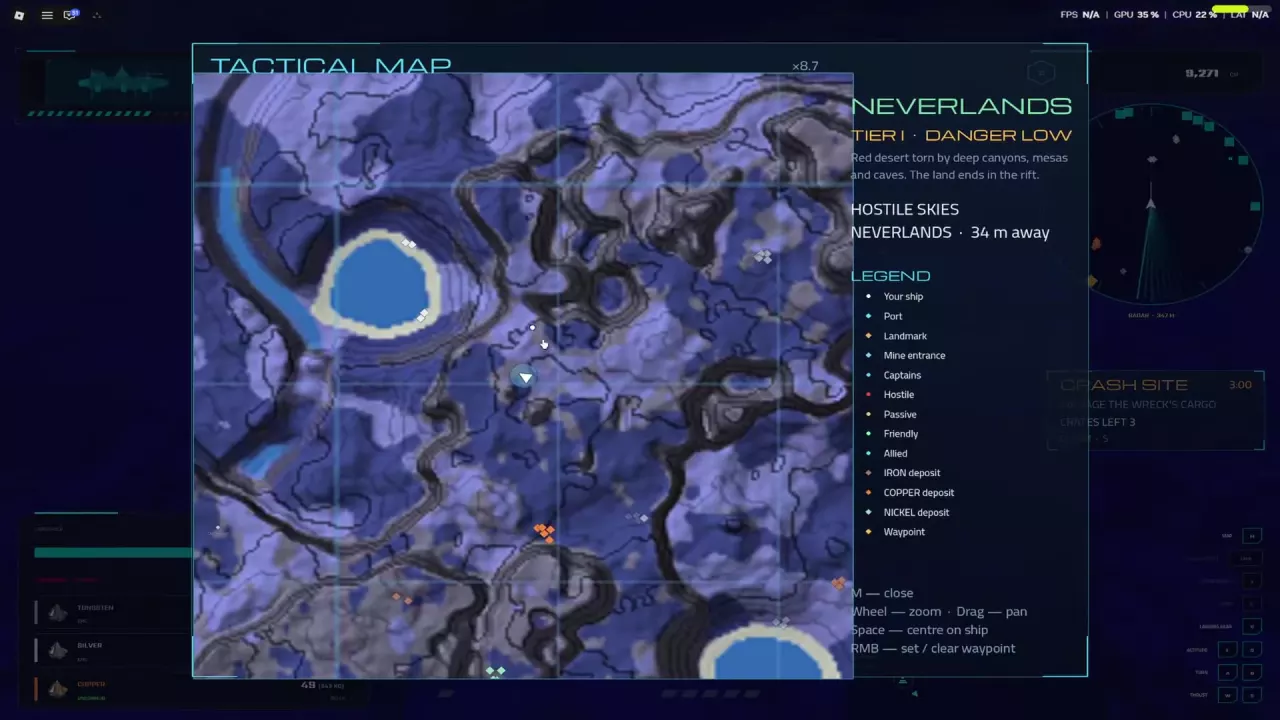
If a hull or structural stress warning tells you to slow down, reduce your speed. A separate warning can indicate that the region is above your ship's tier; it can appear alongside rising hull stress.
Keep clear of terrain as you fly: collisions can damage your hull.
Complete Skyships training, build the M14, mine and sell resources, and choose your first Wasp upgrades and contracts.
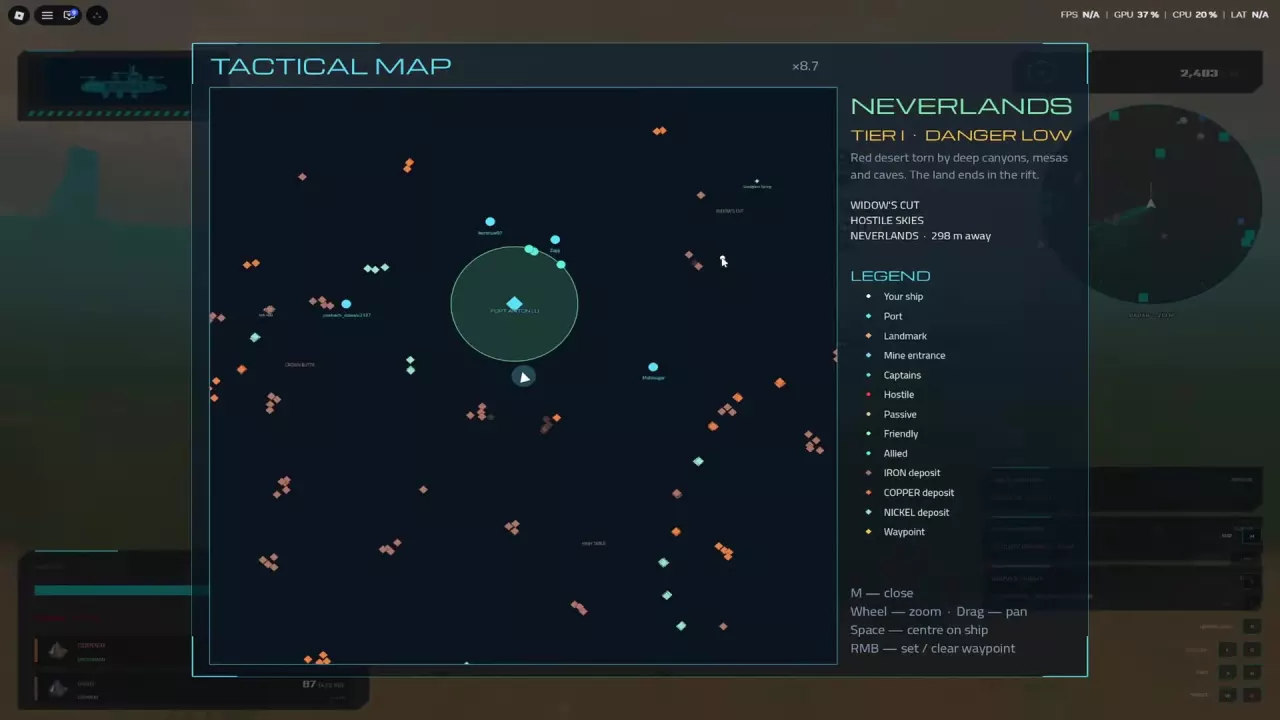
Read the Skyships Tactical Map, set a waypoint, find port services and dock at Fort Anton, Fort Meridian or Fort Cedars.
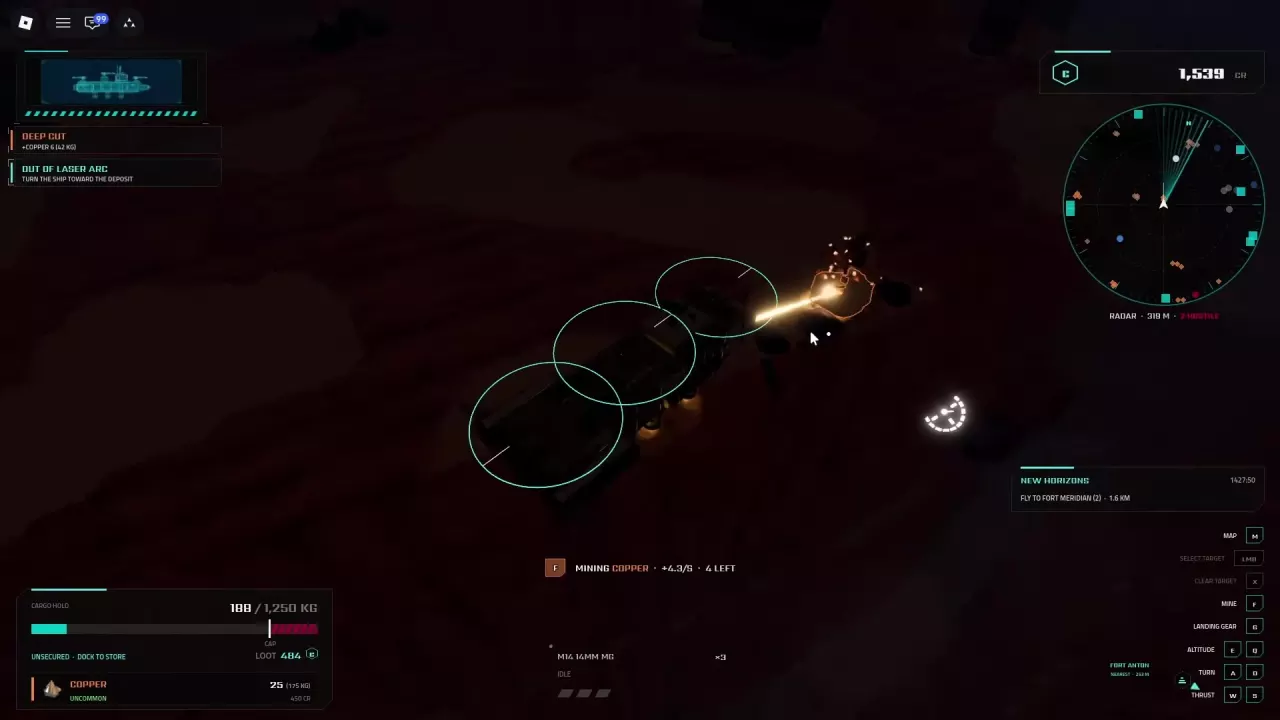
Find ore deposits in Skyships, hold F to mine, fix laser range and arc warnings, and improve your mining runs.
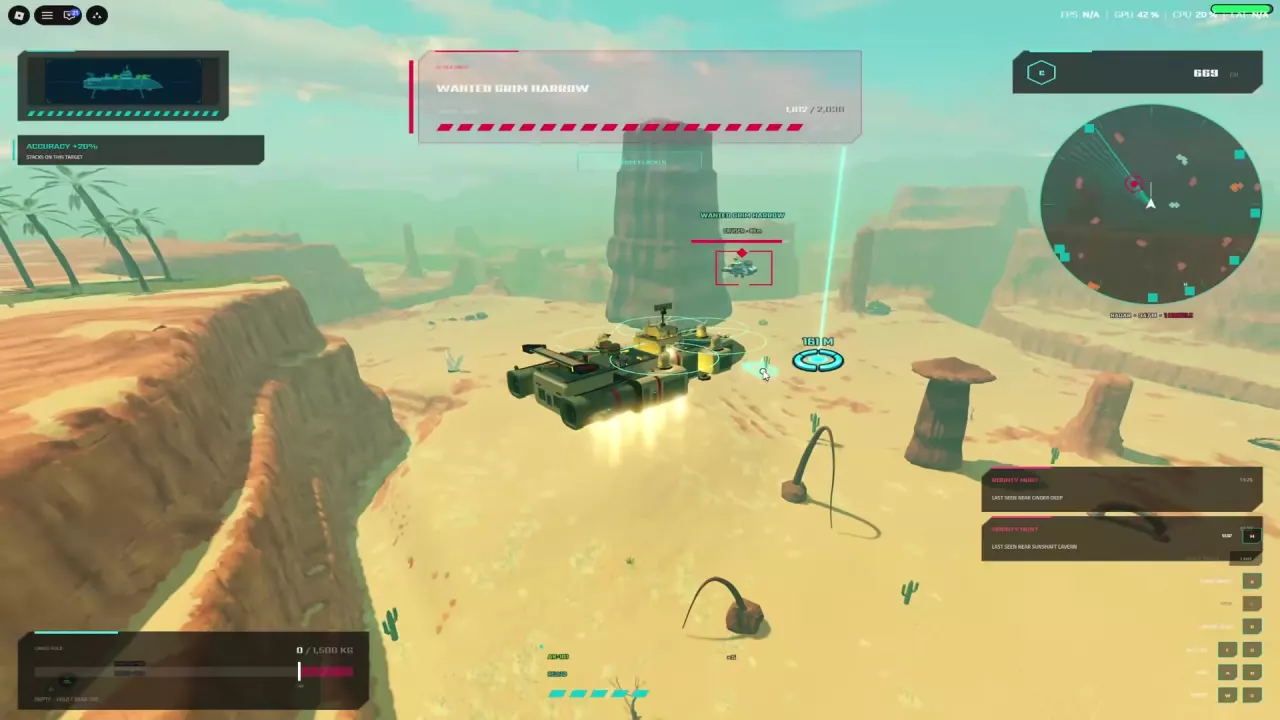
Learn Skyships targeting, fix range and view warnings, read combat bonuses, retreat from missiles, get free repairs, and find the T4+ PvP requirement.